An interest-mapping experiment
What does your feed know about you?
Upload your TikTok data download. We sort your watch history, likes, saves, follows, searches and comments, map your interests into a deeply specific tree, read your leanings — then erase the file.
Don't have your TikTok data yet? Here's how to get it
- In TikTok, open Profile → ☰ menu → Settings and privacy → Account → Download your data.
- Choose the JSON file format, then tap Request data.
- TikTok prepares it (usually a few hours to a few days). Download it from the same screen.
- Come back here and upload the ZIP or the JSON file inside it.
Step 1 · Confirm and give consent
Step 2 · Upload your TikTok data
Tick both boxes above to enable the upload.
Your file is read inside this browser tab and wiped as soon as your profile is ready.
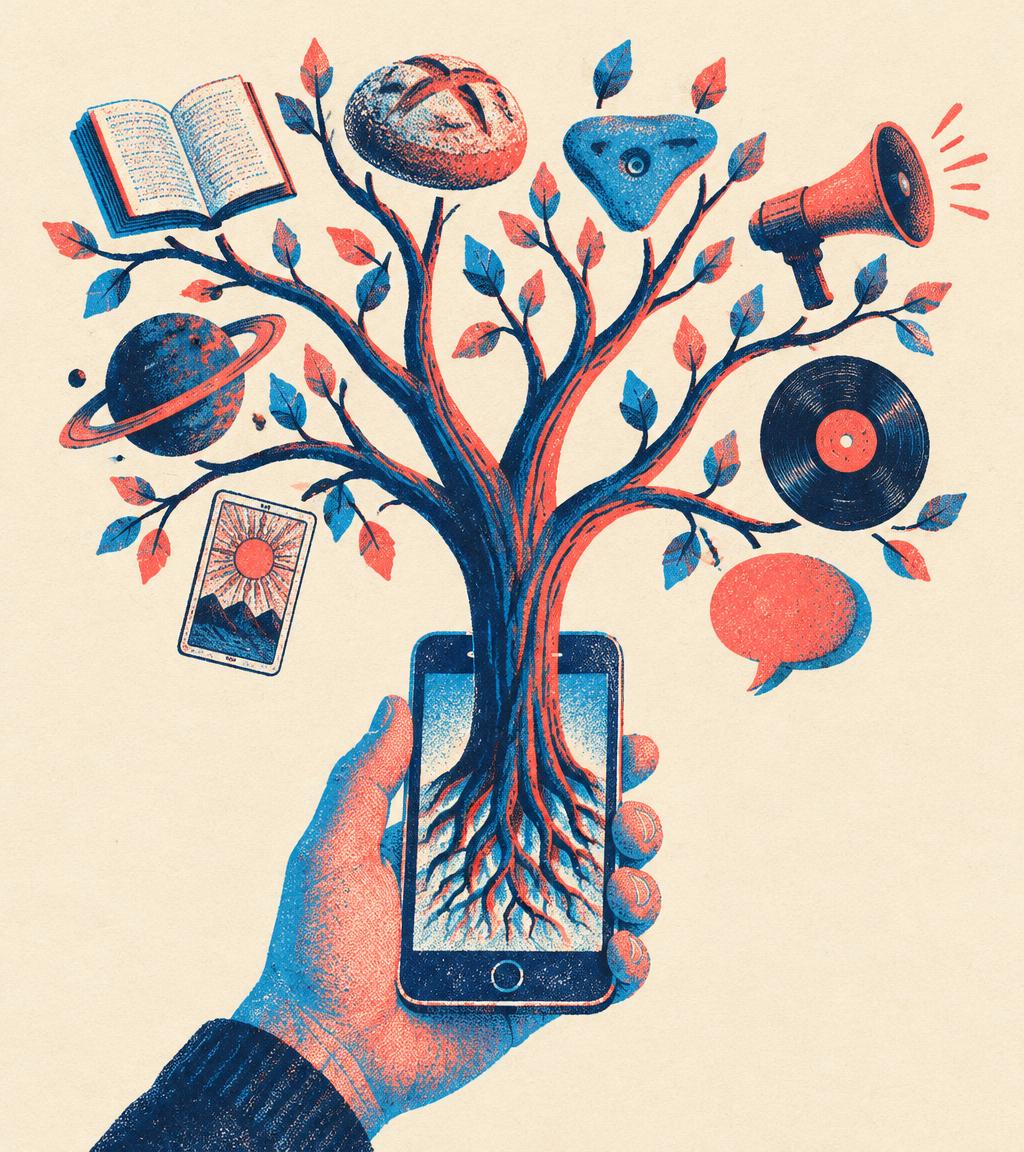
Granular interest tree
Not just “books” — “Feminist Sci-Fi BookTok”. Not just “politics” — “Breadtube”. Searchable and sortable as tags.
Anonymous by design
Your name, username, bio, contacts, private messages and logins are never read or sent. The profile names no one.
Erased on completion
The file is overwritten with zeros and every parsed record discarded the moment your profile is ready.
Private · zero database
Compare two profiles
Load two WhoAmI JSON files for exact-tag overlap, semantic similarity, shared interests and contrasts.
Explicit opt-in · anonymous signatures
Find your media twin
Match without joining, or add only a stripped mathematical signature to the shared Interest Atlas.
How to get your data
Request your TikTok download
- 1
Open TikTok → Profile → ☰ menu → Settings and privacy.
- 2
Go to Account → Download your data.
- 3
Choose “All data” and the JSON file format, then tap Request data.
- 4
When it's ready (usually a few hours to a few days), download it from the “Download data” tab.
- 5
Drop the ZIP — or the JSON inside it — into the box above.
The older .txt format works too, JSON just gives richer results.
Automatic TikTok import
Connect your TikTok account
You'll be sent to TikTok to log in and approve a connection that shares only your basic profile (display name and picture). Importing your activity automatically needs TikTok's Data Portability API, which isn't available to us yet. Until then, the manual download above gives the same data.
What happens to your data
- 1 · Your file is unzipped and sorted inside this browser tab.
- 2 · Only a trimmed, anonymised summary (search topics, hashtags, followed creators, paraphrasable comments) is sent for AI analysis — with no data retention.
- 3 · Your name, username, bio, messages, logins and contact details are skipped entirely.
- 4 · As soon as the profile is ready, everything is wiped. Nothing from your upload is ever stored.
- 5 · If you choose to connect TikTok, only your display name and picture are kept, in a cookie in this browser for up to 24 hours. They are never sent for AI analysis.
- 6 · Private comparisons save nothing. Only an explicit Atlas opt-in stores the stripped tags, weights, archetype and semantic vector shown before you submit.